In the rapidly evolving world of software engineering, the tools we use are no longer just passive text editors—they are becoming active collaborators. Leading this charge is Cursor AI, an AI-native code editor that has fundamentally shifted the developer experience from manual syntax writing to high-level system architecture.
Today, we’re diving deep into why Cursor AI has become the gold standard for developers in 2026 and how it’s redefining the “vibe coding” era.
What is Cursor AI?
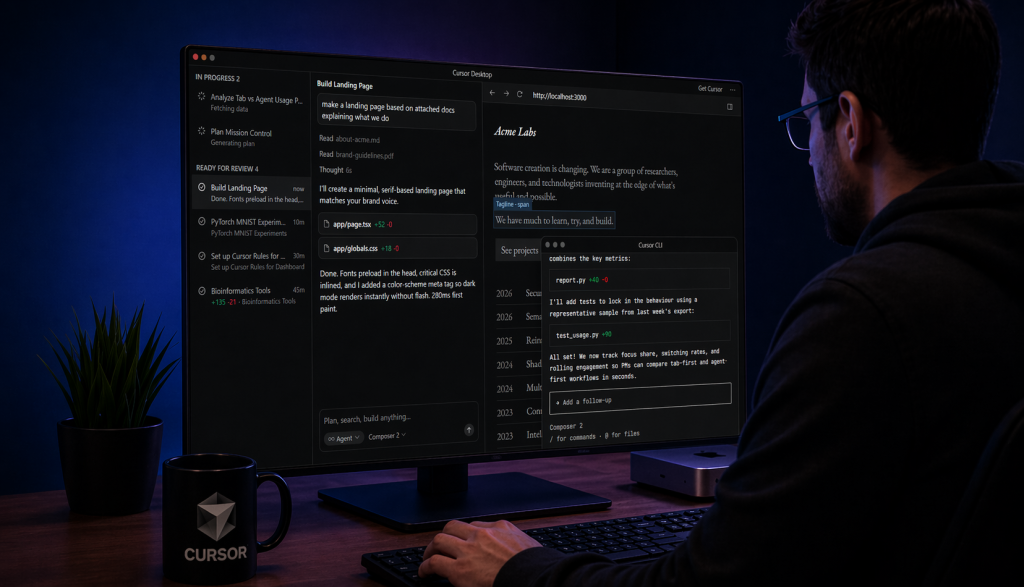
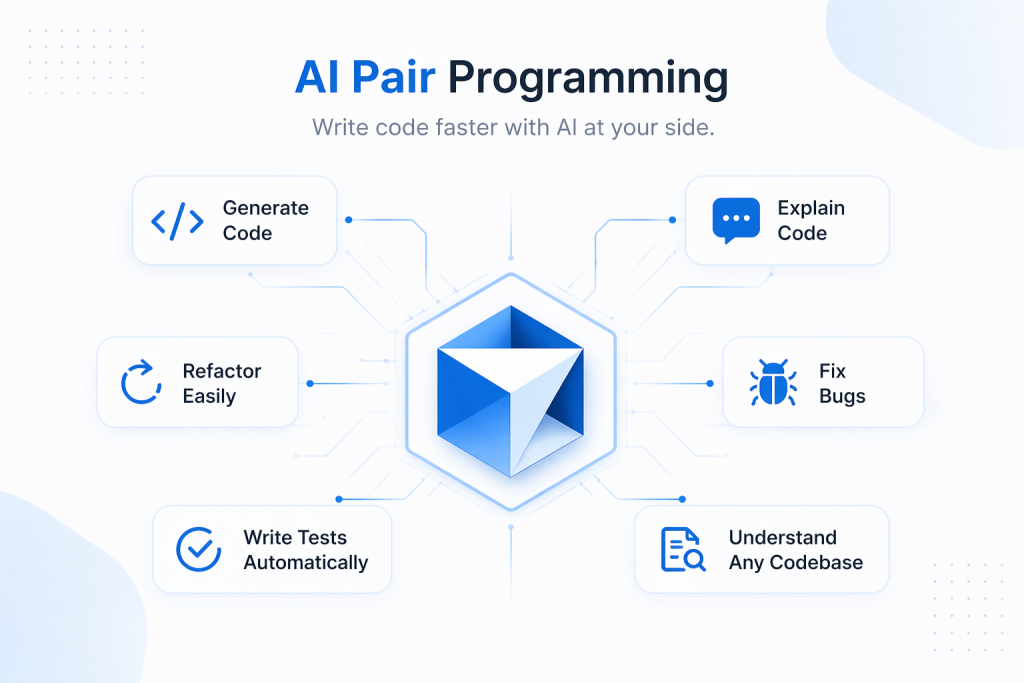
Cursor AI is not just another extension; it is a fork of Visual Studio Code (VS Code) rebuilt from the ground up to integrate Large Language Models (LLMs) into the core coding workflow. While traditional editors treated AI as a “plugin” (like GitHub Copilot), Cursor treats AI as the engine.
By indexing your entire codebase, Cursor understands the context, dependencies, and architectural patterns of your project, allowing it to provide suggestions that aren’t just syntactically correct but contextually relevant.
4 Pillars of Cursor AI’s Dominance in 2026
To understand why 40,000+ companies have migrated to Cursor, we need to look at its core technical pillars:
1. Full Codebase Indexing (The “Context” King)
Most AI tools only “see” the file you are currently working on. Cursor uses a custom embedding model to index your entire repository. When you ask, “Where is the authentication logic handled?” it doesn’t guess—it searches through your specific files, imports, and Merkle tree structures to give you a precise answer.
2. Composer 2.0 and Plan Mode
The latest 2026 updates introduced Composer 2.0, which features a “Plan-Execute-Verify” loop. Instead of generating a single function, you can give a high-level prompt like:
“Add a dark mode toggle that persists in local storage and update all Tailwind components to support it.”
Cursor will then create a multi-step plan, modify multiple files simultaneously, and even run tests to verify the changes.
3. Agentic Autonomy (YOLO & Background Agents)
For rapid prototyping, Cursor’s YOLO Mode allows the AI to apply changes directly without manual previews—perfect for building MVPs at lightning speed. Additionally, Background Agents now run tasks asynchronously, such as monitoring dependencies or auto-fixing linting errors while you focus on logic.
4. Model Agnostic Flexibility
Cursor doesn’t lock you into one ecosystem. In 2026, it supports the latest models, including Claude 3.7 Sonnet, GPT-4o, and even Gemini 2.5 Flash for high-speed documentation scanning. This flexibility ensures you always have the best reasoning engine for the task at hand.
Cursor AI vs. VS Code: Should You Switch?
| Feature | VS Code (with Copilot) | Cursor AI (2026) |
| Integration | Extension-based | Native/Core |
| Context | Limited to open files | Full codebase indexing |
| Editing | Inline suggestions | Multi-file “Composer” mode |
| Learning Curve | Low (Standard) | Low (VS Code compatible) |
| Performance | Lightweight | Higher RAM usage (8GB-16GB) |
For most developers, the switch is seamless. Since Cursor is built on VS Code, all your favorite themes, keybindings, and extensions (like Prettier or Docker) work right out of the box.
The Rise of “Vibe Coding”
In 2026, we’ve entered the age of “Vibe Coding.” This doesn’t mean coding is less technical; it means the barrier between thought and execution has vanished. Developers act as architects, describing the “vibe” or intent of a feature, while Cursor handles the boilerplate, the CSS transitions, and the API plumbing.
Pro Tip: Use a
.cursorrulesfile in your root directory to define your team’s coding standards. This ensures the AI always follows your specific naming conventions and architectural choices.
Frequently Asked Questions (FAQ)
Is Cursor AI free?
Cursor offers a generous free tier, but the Pro plan ($20/month) is essential for power users who need “Fast” premium requests and full codebase indexing.
Is my code secure?
Cursor offers a “Privacy Mode” for Business and Pro users, ensuring that your code is indexed locally or processed in a way that doesn’t train public models.
Can I use Cursor for legacy code?
Yes! In fact, that is one of its strongest use cases. Cursor can scan thousands of lines of legacy code and explain the logic or suggest refactoring paths in seconds.
Also read : Agentic AI